Super 8 Filter for Music Videos: The Seven Cues Behind the Look
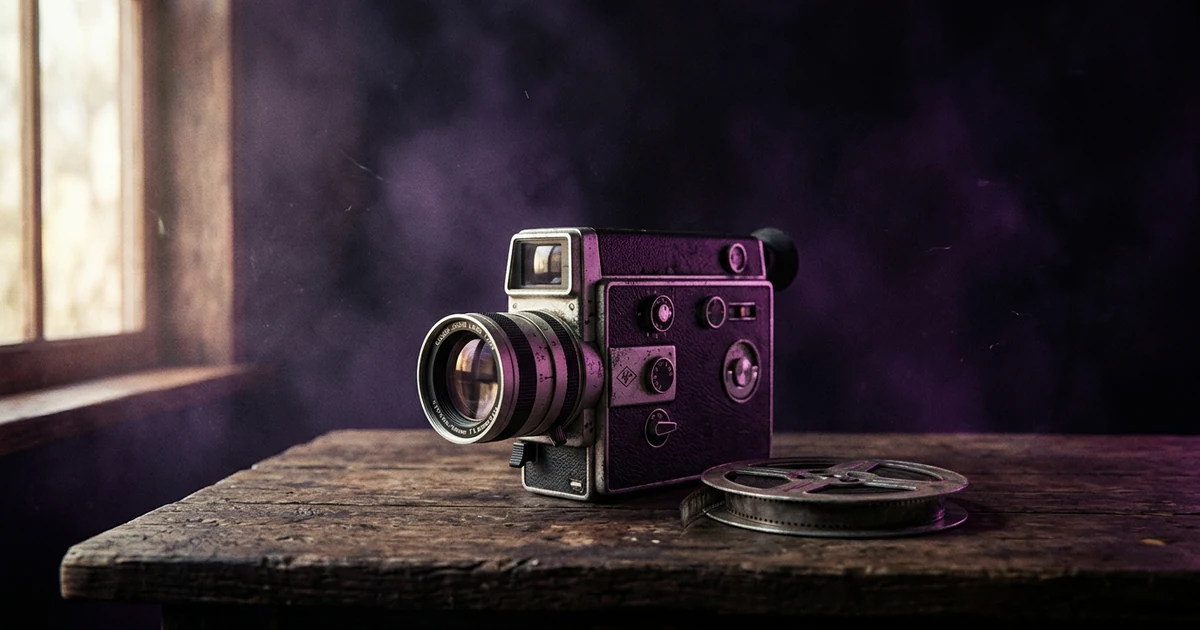
The Super 8 film look is seven cues working together: a low, slightly choppy frame rate around 18 frames per second, a near-square 4:3 frame, visible grain, faded colour with magenta, blue or yellow tints, light leaks, a gentle weave and flicker, and soft detail. A one-click filter usually delivers grain and fade and misses the frame rate and shape. You can get it by shooting real Super 8, grading your own footage, using overlays, or, with an AI tool, choosing the closest finish and describing the rest.
Plans from $19/month, cancel anytime. Starter makes one 30-second video a month.
What is the Super 8 film look?
The short answer: The Super 8 film look is seven cues working together: a low, slightly choppy frame rate around 18 frames per second, a near-square 4:3 frame, visible grain, faded colour with magenta, blue or yellow tints, light leaks, a gentle weave and flicker, and soft detail. A one-click filter usually delivers grain and fade and misses the frame rate and shape. You can get it by shooting real Super 8, grading your own footage, using overlays, or, with an AI tool, choosing the closest finish and describing the rest.
Super 8 is the format Kodak introduced in the mid-1960s as an easier-to-load 8 mm film cartridge for home movies. A cartridge ran for roughly three minutes at the usual speed, which is why Super 8 footage comes in short, loose bursts. Those limits made the look. Musicians reach for it because it reads at once as memory: the summer you can't get back, the family video, the first band.
"Super 8 filter" is a search with real volume, and many of the pages that answer it point you at an app with a preset. A preset is fine, but it helps to know what it is imitating, because that is how you tell a convincing version from a muddy one. This guide starts with the cues so you can judge any tool, then ends with how to make the look in a finished video. For the neighbouring looks, we already cover the VHS effect, the 90s music video aesthetic, and what makes a music video look cinematic.
What are the seven cues of Super 8?
| Cue | What it looks like | Why it happens | What a filter usually does |
|---|---|---|---|
| Frame rate | Slightly choppy, stuttering motion | Cameras commonly ran at 18 fps | Often nothing; the footage stays smooth |
| Frame shape | Near-square, about 4:3 | The film gate is close to 1.33:1 | Sometimes adds bars; often skipped |
| Grain | Visible, moving texture, especially in shadows | Small film frame, fine-grain limits | Added well by most tools |
| Colour | Faded, warm, with magenta, blue or yellow casts | Film stock and ageing dyes | Added, often too evenly |
| Light leaks | Orange or red flares at the edges and between shots | Light reaching the film at the cartridge or gate | Overlay clips; hit or miss |
| Weave and flicker | A gentle wobble and brightness pulse | The film shifts in the gate; exposure varies | Rare; a small shake at best |
| Softness | Low sharpness, no crisp edges | Small format, simple lenses, projection | Blur or a sharpness cut |
Look at that list the way a viewer sees it. Most people cannot name frame rate or gate shape, but they feel the motion and the proportions. That is why a clean 24 fps 16:9 video with a brown tint and some grain looks like "a filter" and not like film. Getting two or three of the cues that filters skip does more than any extra grain.
How do you get the Super 8 look in a music video?
There are four routes. They differ in cost, authenticity and speed.
Route 1: can you just use a Super 8 filter or overlay?
Yes, and for a lot of videos it is enough. Phone apps, editors and overlay packs offer Super 8 presets, grain layers and light-leak clips. The quality varies a lot, so judge one on the cues above, not its thumbnail.
Make a preset better by fixing what it skips: drop the frame rate, add the 4:3 bars, and cut the sharpness. Then check it on a phone and a laptop, because grain that looks right on a monitor can vanish after YouTube compresses it.
Route 2: should you shoot real Super 8?
If the process is part of the song, yes. You buy a cartridge, shoot a few minutes, send it to be developed and scanned, and wait. Super 8 film is still sold new, including by Kodak, so the supply is real; check current stocks and lab turnaround before you plan a shoot. The costs are the film, the development and the scan, the wait for results, and the fact that you cannot re-shoot a take you wasted. Plan the shots before the first cartridge goes in, and budget for more film than you think.
You only get about three minutes per cartridge, so real Super 8 is usually a source of a few cutaway moments, not a whole video. Many artists intercut it with sharper footage.
Route 3: how do you grade your own footage into a Super 8 look?
This is the one that works best with an editor you already have. A practical recipe, in our own words. Film-look tutorials such as No Film School's cover similar ground, but check any step against your footage:
- Lower the frame rate. Shoot at 24 and conform to around 15 to 18 fps, or shoot slow-and-quick at that rate directly.
- Add the 4:3 frame. Put the picture at 4:3 with black bars at the sides, and add a Super 8 grain layer.
- Shift the colour. Pull the blacks up so they are not pure black, add warmth, and push the shadows toward magenta or blue and the highlights toward yellow.
- Reduce the sharpness. A touch of blur or a lower sharpness setting softens the digital edge.
- Break the steadiness. Turn off stabilisation, and use a small handheld shake in the footage or the edit.
- Add leaks sparingly. One or two light leaks at scene changes look natural; leaks on every shot look like a template.
If you are shooting new footage, keep the lens stopped down so there is little background blur; Super 8 lenses were generally not fast, and a shallow, glossy depth of field gives the game away.
Route 4: how do you make this look in a finished video with Melodious?
If you have a song and no footage, this is the route that gets you a whole video. An AI video tool generates the picture from your idea, so the cues come from the finish you choose and from how you describe the scene. In Melodious the finish is one of three looks, chosen on the brief: 35 mm film, 90s tape or clean. Choose your film look explains each. There is no Super 8 preset, and the video is made in landscape 16:9 or vertical 9:16, not 4:3.
Here is the step-by-step:
- Upload your song and open the brief.
- Choose 35 mm film as the look. It is the closest finish: subtle grain, lifted blacks, a warm grade, light halation and a slight vignette. That covers grain, warm colour and softness. Choose 90s tape only if you want the VHS texture, which is a different era and a different look.
- Describe the home-movie feel in the brief. Name one thing a camera can point at, for example a handheld summer day by a car window with faded colour. That shapes the scenes themselves, though the result is the AI's reading of the idea, not a Super 8 scan.
- Check the stills, then render. The look is added when the video renders, so the storyboard and rough cut show without it. Confirm the look on the render screen.
- Add the cues the finish cannot reach. Take the finished MP4 into any editor and apply the 4:3 frame and an 18 fps stutter from Route 3.
That mix, an AI-planned video with a final grade, gets closer to the look without shooting film. Make your music video with the look chosen on the brief.
Is the Super 8 look right for your song?
Use it when the song is about the past, a place, a person or a feeling that is already faded. Indie, folk, dream pop, lo-fi and singer-songwriter material fit; so do summer songs and anything with a memory in the chorus.
Think twice when the song needs a crisp, high-energy image. A club track built on a laser show will look wrong in soft, grainy 4:3. The film look is a statement, and once a viewer reads it as "old", every shot has to agree.
What kinds of music video suit the Super 8 look?
A few set-ups work again and again, and each leans on a different cue.
- The home-movie montage. Short, unplanned-looking moments: a beach, a car window, a birthday. This leans on the frame rate, the 4:3 shape and the light leaks, and it needs a narrative gap the viewer fills in themselves.
- The band in a room. Handheld coverage of a rehearsal or a living-room session. Here the weave, the softness and the grain carry it, and a slightly imperfect framing is a feature.
- The road trip. Landscape from a moving vehicle. Faded colour and a warm cast do most of the work.
- The memory sequence inside a sharper video. A modern, crisp video that cuts to Super 8 for flashbacks. Mixing is the one case where two looks in one video is intentional, because the contrast tells the story.
Whichever you choose, keep shots short. Super 8 footage was shot in bursts, and a long, steady, perfectly framed take undercuts the look faster than any technical flaw.
What mistakes ruin a Super 8 look?
| Mistake | What happens | Fix |
|---|---|---|
| Grain only | Looks like a filter, not film | Add the frame rate and the 4:3 frame too |
| Same light leak on every cut | Reads as a template | Two or three, at scene changes |
| Over-saturated "vintage" orange | Looks like a bad Instagram preset | Fade the colour and add a cast, not a wash |
| Perfectly steady footage | Breaks the illusion | Turn off stabilisation, add a little shake |
| Heavy blur | Faces turn to paste | Soften, do not smear |
| Mixed looks in one video | Confuses the eye | Apply one grade to every shot |
| Checking only on a monitor | Grain disappears after upload | Watch the uploaded version on a phone |
For the whole process of choosing one look and keeping it consistent, how to choose a music video style is the place to start, and how to make an AI music video covers the route from song to finished file.
Ready to build it? Upload your song in Melodious, choose 35 mm film on the brief and describe the home-movie feel, then finish the 4:3 frame and frame rate in your editor.
Frequently asked questions
What is the Super 8 film look?
It is the look of home movies shot on 8 mm film cartridges: soft detail, visible grain, warm and faded colour, light leaks at the edges, a slight shake and flicker, and a near-square frame. It is widely used in music videos to signal memory, nostalgia and an indie, hand-made feel.
What frame rate is Super 8?
Super 8 cameras commonly shot at 18 frames per second, against 24 for cinema. That lower rate gives motion the slightly choppy, stuttering feel people associate with old home movies. If you edit digitally, shooting at 24 fps and dropping to around 15 to 18 gets nearer to the effect than any filter.
What aspect ratio is Super 8?
Roughly 4:3, a near-square frame. In a modern 16:9 edit, you reproduce it by placing the picture at 4:3 with black bars on either side. In a vertical 9:16 video a 4:3 frame would sit in the middle with wide bars above and below, so many creators skip the shape cue there and rely on the other six.
Does Melodious have a Super 8 filter?
No. The film looks in Melodious are 35 mm film, 90s tape and clean. There is no Super 8 preset and the video is made in 16:9 or 9:16, not 4:3. The closest finish is 35 mm film, which adds grain, lifted blacks, a warm grade, light halation and a slight vignette. You can describe a home-movie feel in your brief, but the result is an AI interpretation, not a Super 8 scan.
Is a Super 8 filter or real film better for a music video?
Real film gives you the genuine artefacts but costs time and money for the cartridge, development and scanning, and you only see the result afterwards. A filter or a grade is instant and repeatable, and it is enough for most releases. Shoot film if the process is part of the story; use a grade if you need the look on a deadline.
Will the Super 8 look suit my song?
It suits songs about memory, summer, family, travel, youth and loss, and indie, folk, dream pop and lo-fi styles. It works against songs that need a sharp, glossy, high-energy image, such as a club track built around a crisp light show. The look is a statement, so make sure it is the one you want.
Make this look in your video
Upload your song, pick 35 mm film on the brief, describe the home-movie feel and render a finished video with the closest look.
Make my music video