Ideas and the plan
The director writes three ideas for your video, each naming who sings it. Pick one or write your own, then read the plan, keep or turn off lip sync, and change anything in words.
Last updated
Once the part and the singer are set, tap Lock in and get ideas.
Three ideas
The director writes three ideas for your song. Each one is a short pitch and names who sings it. Pick one, or write your own idea in the box and the director works from that instead.
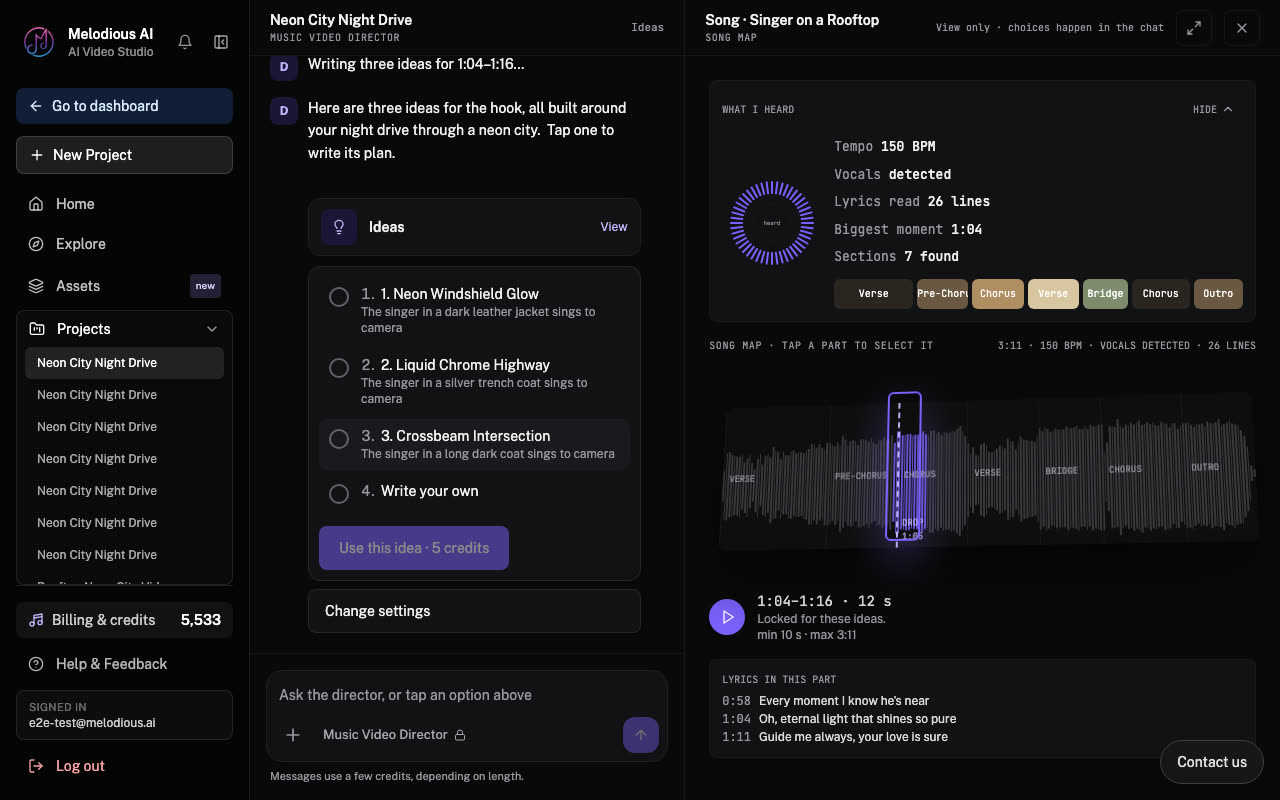
Want different ones? Say so in the chat ("darker", "set it at night", "more performance") and the director writes a new round.
The plan
When you pick an idea, the director writes the plan: how the video unfolds, scene by scene, and who sings where. If your song has a singer, you can keep lip sync on or turn it off here.
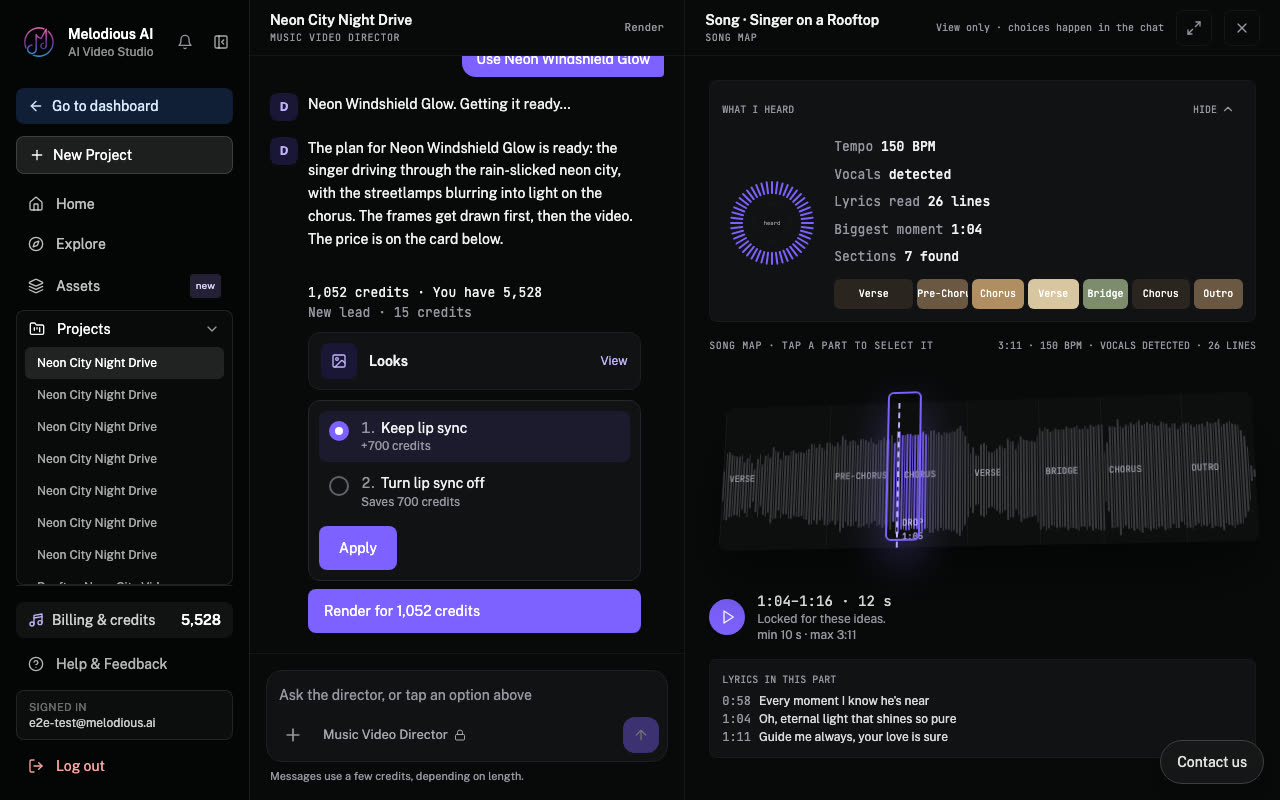
To change the plan, type what you want ("make the second scene a close up", "no crowd shots"). The director rewrites it. Then it asks whether to draw the storyboard, or change anything first.
What this costs
The ideas, the plan and your messages to the director use a few credits each. Starting credits on a new account cover them. Drawing the storyboard is the first step that needs a plan; see Approvals for how each step's price is shown.
Next: The storyboard.