Music Video Storyboard: Preview and Edit Shots Before You Render
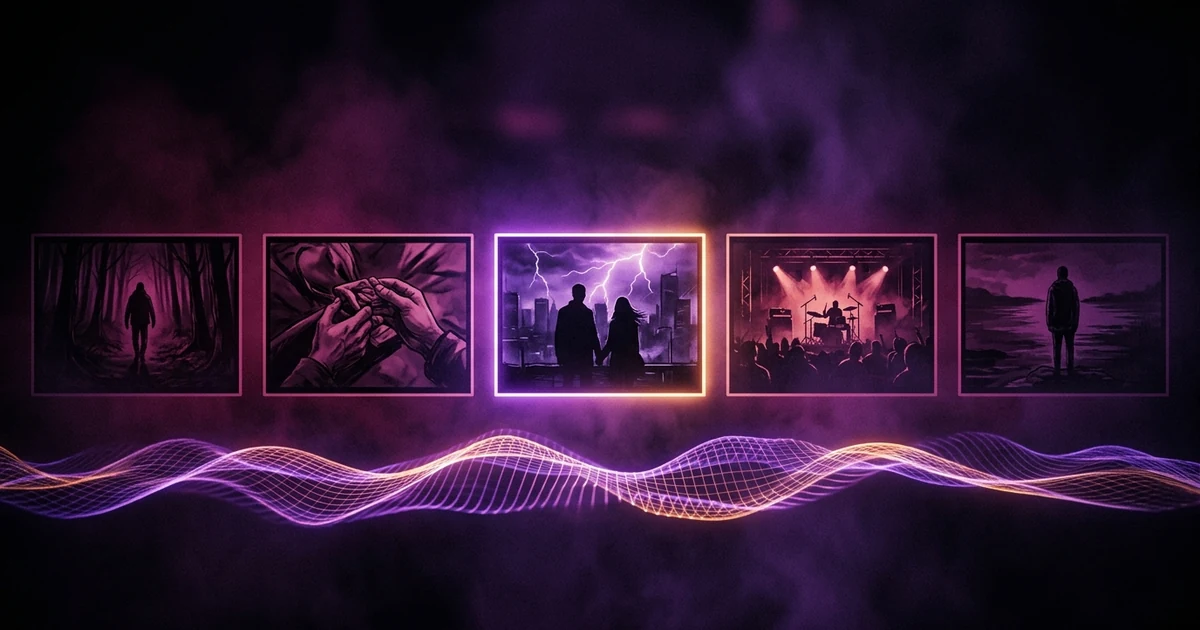
Before you render, Melodious gives you a storyboard of keyframe images laid against your song's waveform. Click any shot to edit its prompt, shot type or duration, attach a reference image, duplicate or delete it, or reroll it. Saving an edit is free; a reroll costs credits and the previous version stays available to restore for free. Then play the rough cut, which holds each still over your own track, and export it as a free watermarked MP4. Motion and your film look only appear when you render.
Your first 30-second storyboard is free. Plans from $19/month.
Can you preview an AI music video before you render it?
The short answer: Before you render, Melodious gives you a storyboard of keyframe images laid against your song's waveform. Click any shot to edit its prompt, shot type or duration, attach a reference image, duplicate or delete it, or reroll it. Saving an edit is free; a reroll costs credits and the previous version stays available to restore for free. Then play the rough cut, which holds each still over your own track, and export it as a free watermarked MP4. Motion and your film look only appear when you render.
The numbers explain why. A 30-second storyboard of keyframes is 48 credits. A 30-second render at 720p is about 552. The storyboard is the cheap place to be wrong, so the product is built to let you be wrong there.
If you are new to the idea, how to storyboard a music video covers the planning craft, and how AI builds your music video storyboard covers what the director does to produce yours. This post is about reviewing and fixing what it produced.
What does the board show you?
A strip of your song's waveform with a tick at each shot boundary, and a card for every shot. Each card has a timecode, a description, its keyframe image once drawn, and a per-shot price. A 4, 6 or 8 second shot costs 7, 10 or 13 credits for its keyframe.
A verified account that has never paid has a one-time free allowance of 72 credits, which covers a 30-second storyboard and a few redraws. The allowance is for keyframes only.
What can you change on a shot?
Click a card and an inspector opens. Everything in it saves to that shot.
- Prompt. Edit the description. Saving is free and marks the card as changed. The next reroll draws the new prompt, not the old one.
- Shot type and duration. Change a medium to a close-up, or a 4-second shot to 6.
- Reference image. Drop an image on a single shot to steer just that one. A chip shows when a shot is locked to your saved cast.
- Duplicate. The copy lands straight after the original, undrawn, so it costs nothing until you draw it.
- Delete. The gap closes in the timeline.
- Reroll. Draws a new keyframe for that shot. The button shows the server's price before you press it.
Pressing Generate twice by accident charges once: the second request is handed the run that is already drawing, and nothing more is taken. A reroll pressed twice on the same shot is treated the same way.
What if the reroll is worse?
Each generated keyframe is kept, so rerolling does not destroy the one you paid for. The inspector's versions row lists every earlier keyframe for the shot, and restoring one is free. That makes rerolling a cheap experiment: if the new one is worse, go back.
Two edits are worth a pause before you start. A shot that is badly framed is better fixed in its prompt than rerolled blindly; a reroll with an unchanged prompt is a fresh draw of the same idea. And if every shot has the same problem, say the singer keeps changing face, the fix is upstream: save the performer as a reusable character, as in reusable AI characters for music videos, rather than rerolling one shot at a time.
What is the rough cut?
The rough cut is the storyboard played back against your own song. It is one audio clock over a table of holds: each keyframe is a still held for its slice of the track, with a slow push-in, and a 180 ms crossfade at section boundaries. Every other switch is a hard cut. You can scrub, and the playhead survives collapsing the player to a strip.
Keyframes that finish drawing mid-playback join the cut without restarting it, so you can watch a board fill in.
It is labelled as what it is: a stills preview. Motion and your film look are added at render. The render screen lets you pick 35 mm film, 90s tape or clean before you pay.
Long holds
A still held for more than 20 seconds usually means a shot is missing, not that you wanted a long pause. The rough cut lists those holds with the cost of drawing the missing shots, and you can fill one at a time or use Fill everything, which quotes the total in one call.
Exporting it
Export MP4 renders the rough cut as a file, pinned to your song's length, with a Melodious watermark. It is free, and send it to a collaborator to get a yes or no before any render credits are spent.
What a preview cannot tell you
Honest limits. The rough cut is stills. You cannot judge motion, and you cannot judge the film look, because both are added when the video renders. If a shot depends on movement, a dancer mid-turn or a camera orbit, a still only half-shows it. Lip-synced singing shots are the clearest case: a still cannot show whether a mouth is moving in time, which is why the studio offers "Test this line", a single-shot lip-sync render, before a full render (see AI lip sync for music videos).
Related reading: free AI storyboard generator for music videos, how to choose your film look.
Before you press Render video
A short checklist, in order:
- Play the whole rough cut with sound on, not muted.
- Look for any hold that sits too long and fill it, or delete the shot.
- Check that the same person looks like the same person across cards.
- Pick your film look, which can be changed on the render screen too.
- Read the render screen's price. It is the exact number the server will charge for the scenes you drew.
The render screen is also where the plans appear. Starter is $19 a month for 750 credits, Artist is $97 a month for 5,200, and Label is $147 a month for 8,500.
Frequently asked questions
Does editing a shot cost credits?
Editing the prompt, shot type or duration and saving it is free; the card is simply marked as changed. Credits are spent when a keyframe is drawn or rerolled. The reroll button shows the exact price, and the app refuses with the exact number if your spare credits fall short.
If I reroll a shot, do I lose the one I liked?
No. Each generated keyframe is kept, and the shot's inspector has a versions row listing every earlier one. Restoring an earlier version is free, so a reroll is a cheap experiment: if the new draw is worse, go back to the one you liked without paying again.
What does the rough cut actually show?
Your keyframes as stills, held over your own track, with a slow push-in on each and a short crossfade at section boundaries. It is labelled as a stills preview: motion and your film look arrive when you render. Keyframes that finish drawing while it plays join the cut without restarting it.
Can I save or share the rough cut?
You can export it as an MP4 at no cost. The file carries a Melodious watermark and is pinned to your song's length, because it is a preview rather than the finished video. It is a handy way to get a collaborator's yes or no before any render credits are spent.
What are the 'long holds' in the rough cut?
A hold is one still shown for a stretch of the song. If a still would sit on screen for more than 20 seconds, the rough cut lists it with the cost of drawing the missing shots, and you can fill them one by one or all at once at the quoted price.
Look before you spend
Draw your first storyboard free, fix the shots you don't like, and play the rough cut against your song.
Open the studio