Spotify Canvas Size and Dimensions: The Full Spec
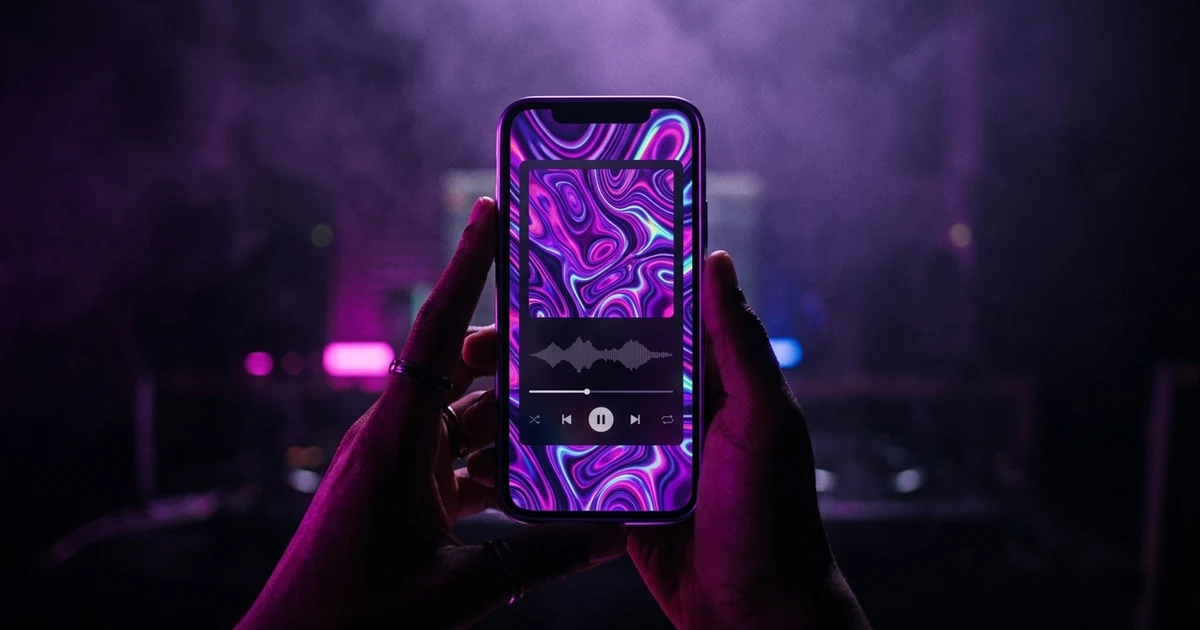
The Spotify Canvas dimensions are a vertical 9:16 frame between 720px and 1080px tall — 720×1280 at the low end and 1080×1920 at the high end — running 3 to 8 seconds, uploaded as an MP4 or a JPG. It loops silently behind the track in the Now Playing view. Spotify's guidelines add two things most people miss: leave your song title and artist name out of the artwork, because the app already draws both over the top of it, and expect the edges of the frame to be cropped on smaller phones. Footage of anyone talking, singing or rapping is discouraged, because the loop runs independently of the music and visible lip movement drifts out of sync within seconds.
The short answer: The Spotify Canvas dimensions are a vertical 9:16 frame between 720px and 1080px tall — 720×1280 at the low end and 1080×1920 at the high end — running 3 to 8 seconds, uploaded as an MP4 or a JPG. It loops silently behind the track in the Now Playing view. Spotify's guidelines add two things most people miss: leave your song title and artist name out of the artwork, because the app already draws both over the top of it, and expect the edges of the frame to be cropped on smaller phones. Footage of anyone talking, singing or rapping is discouraged, because the loop runs independently of the music and visible lip movement drifts out of sync within seconds.
What are the Spotify Canvas dimensions?
Here are the figures from Spotify's Canvas guidelines for artists, checked on 3 September 2026.
| Aspect ratio | Vertical 9:16 |
| Height | Between 720px and 1080px |
| Duration | 3–8 seconds |
| Format | MP4 or JPG |
| Audio | None — it plays silently |
| Where it appears | Behind the track in the Now Playing view |
At 9:16 those heights give 720×1280 at the bottom of the range and 1080×1920 at the top. Export at 1080×1920 and you have hit the published ceiling; a larger master gains you nothing, because there is no higher tier for it to be shown at.
Two further constraints sit alongside the numbers rather than in them. Spotify asks you to "avoid rapid video cuts or intense flashing graphics", and warns that the edges of the frame may be cropped depending on phone screen size. Both change what you should shoot, so treat them as part of the spec.
This is a satellite of our main guide to making a music video from a song; if you are choosing between vertical and widescreen more generally, that comparison is the better starting point.
The instruction people ignore
The dimensions are the easy half. The line that actually changes what you should make is this, from the same guidelines: "Consider excluding your song and artist name. It already shows in the Now Playing view in the Spotify app."
It is worth taking seriously, because the failure is not merely redundancy. Since the edges of the frame may be cropped, text placed near an edge — exactly where a title card tends to sit — does not simply get ignored. It gets sliced mid-word, and a half-cropped word reads as a broken image rather than a design choice.
The safe conclusion is to treat the outer margin as expendable and keep anything that must survive well inside it. The stronger conclusion is that a Canvas has no business carrying text at all: the listener is already reading your track name and artist name, rendered by the app in a typeface that will always be sharper than yours.
Why the length matters more than it looks
Three to eight seconds sounds like a trivial range until you count the repeats. A Canvas loops for as long as someone stays on the track, so on a three-minute song a 3-second loop plays around 60 times and an 8-second loop around 22.
That is the real decision. A short loop has to survive being seen sixty times, so it needs to be either genuinely seamless or simple enough that the repeat reads as texture rather than as an event. A longer loop has more room to develop, but every visible cut in it becomes a metronome.
Spotify describes three ways of handling the seam, and naming them helps:
- Continuous loop — the end flows into the beginning with no visible join. The hardest to shoot and the only one that disappears entirely.
- Hard cut — an obvious edit point at the loop. Fine when the cut lands as a deliberate rhythm rather than an accident.
- Rebound — the clip plays forward then reverses back to the start. Seamless by construction, and good for anything without a clear direction of travel: smoke, liquid, light, fabric. It looks wrong the moment something in frame is unmistakably going one way, like someone walking.
Why not to use performance footage
The Canvas loop is not synchronised to the song. It restarts on its own cycle, independent of where the listener is in the track.
That is the whole reason Spotify tells you to "choose footage without talking, singing, or rapping". A clip of you singing matches the lyrics for perhaps one loop and then drifts, and for the remaining fifty-odd repeats the listener watches a mouth forming words that are not the words they are hearing. It reads as a fault even to someone who could not say what is wrong.
Non-vocal performance is fine — hands on an instrument, a drummer, a crowd. It is specifically visible lip movement that breaks.
Making one
You do not need to shoot anything. What works best in this slot is abstract or atmospheric rather than narrative: eight seconds is not enough to establish a subject, but it is plenty to establish a mood.
If you already have a music video, the cheapest Canvas you will ever make is inside it. Find three to eight seconds with no lip movement, no hard camera move and no burned-in text, crop to 9:16 and export at 1080×1920. Our guide to turning one music video into a month of content applies the same principle to the other platforms.
If you have no footage at all, a reactive audio visualizer gets you something in the right register — abstract, derived from the track itself, and with no subject matter to fall out of sync. Two caveats before you rely on it, because ours is a browser tool and its output is not Canvas-ready as it stands. It records a 1280×720 landscape frame, so a 9:16 crop out of it lands at 405×720 — legal, but sitting exactly on Spotify's 720px floor with no margin, and taken from a spectrum laid out horizontally. And most browsers record WebM, which Spotify does not accept, so you will need to convert it to MP4 first. A free converter does that in seconds, but it re-encodes the picture rather than just repackaging it, because MP4 cannot carry the codec WebM records in. Where a visualizer stops being the right answer at all is the subject of music video vs music visualizer.
Where we disagree with Spotify
One piece of their advice we would push back on. The guidelines say: "Try to tell a full story. You only have 8 seconds, but trimmed down music videos and incomplete stories can leave fans expecting more."
Eight silent looping seconds, behind two lines of text, on a screen the listener is not really watching, is a hard place to tell a story — and a story told sixty times in a row stops being one. Our experience is that the Canvases that hold up set a temperature rather than deliver a narrative. Spotify is the authority on the format and you should weigh their view against ours; we are telling you where we land and why, not pretending the disagreement is not there.
The two mistakes worth avoiding
Putting the title on it. The app is already displaying it one layer up, and the crop will cut yours in half.
Shipping one identical file across the catalogue. Canvas is added to each track individually — you pick a track in Spotify for Artists and add a Canvas to it — so the per-track granularity is there to be used. Spotify's advice to "create a theme" is about a shared visual language across your artwork and profile, which is worth doing, not about reusing a single loop until listeners stop seeing it.
Frequently asked questions
What are the Spotify Canvas dimensions?
Vertical 9:16, between 720px and 1080px tall. That gives 720×1280 at the low end and 1080×1920 at the high end. 1080×1920 is the ceiling Spotify publishes, so there is nothing to be gained from exporting a 4K master.
How long can a Spotify Canvas be?
Between 3 and 8 seconds. It loops for as long as the listener stays on the track, so the length you pick is really a decision about how obvious the repeat is: a 3-second loop plays roughly 60 times during an average song, an 8-second loop about 22.
What file format does Spotify Canvas accept?
MP4 or JPG, and nothing else — WebM and MOV are not accepted. A JPG gives you a still in the Canvas slot rather than a loop, which is a legitimate choice if you have strong artwork and no footage, though it forfeits the motion that makes the format worth using.
Should I put my song title on my Spotify Canvas?
No. Spotify's guidance is to exclude your song and artist name because the app already shows both in the Now Playing view, directly over the Canvas. It duplicates what the listener is already reading, and because the edges of the frame get cropped on smaller screens, text near an edge tends to be sliced mid-word.
Does a Spotify Canvas have sound?
No. The Canvas plays silently behind the track — the audio is always the song. This is why Spotify advises against footage of talking, singing or rapping: the loop restarts on its own cycle, so visible mouth movement falls out of step with the lyrics almost immediately.
Can I use the same Canvas on every track?
You can. Canvas is added to each track individually in Spotify for Artists — you select a track, then Add Canvas — so nothing stops you reusing one file. Spotify does recommend creating a theme that connects your Canvas to your album art and profile, but a theme is a shared visual language, not one identical file. A listener moving through your album who sees the same loop four times stops registering it at all.
A Canvas is eight seconds. A video is the whole song.
Melodious storyboards your track shot by shot and generates the keyframes in one run, so you can see the whole thing before you render — then cut the best three seconds for your Canvas.
Storyboard your song