Make a Photo Sing Your Song: Lip-Sync Music Videos With Your Own Face
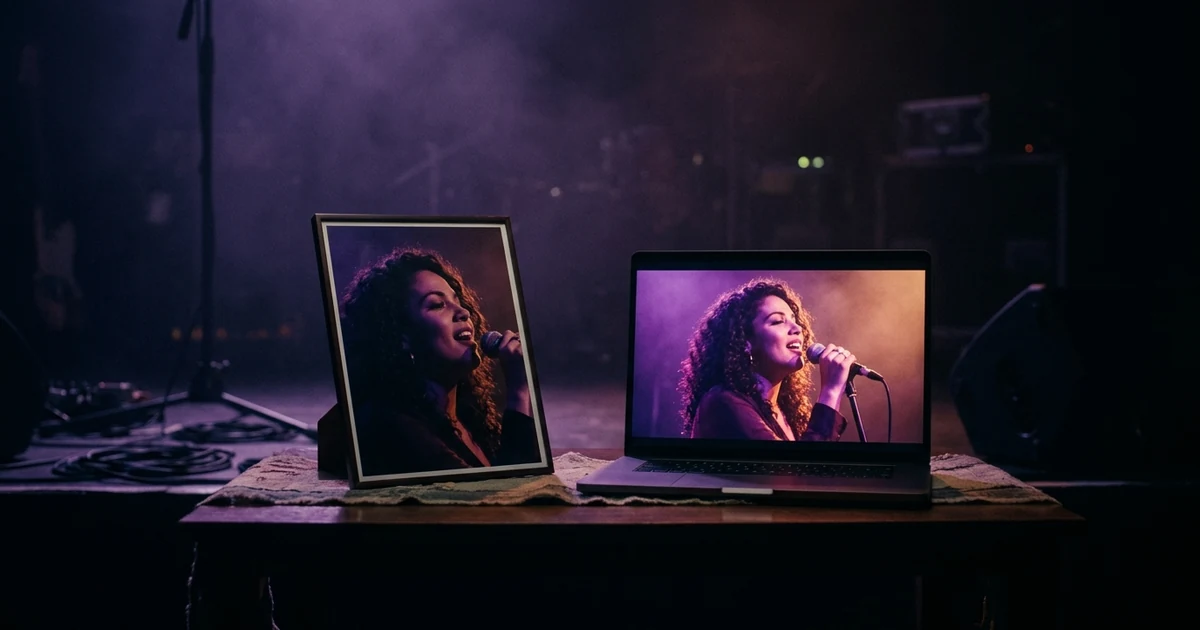
To make a photo sing your song, upload a song with vocals, switch on lip sync in the brief, choose who sings, and add a photo of yourself. Melodious then marks up to four chorus shots as singing, drawn as front-facing close-ups, and you can render one line as a test before paying for the full video. It will not animate your photo through the whole track: verses stay off-mic, and a singing shot costs 2.2 times a normal one to render. If you want a single photo mouthing an entire song, a photo-first tool is the more direct route.
Your first 30-second storyboard is free. Plans from $19/month.
How do you make a photo sing your song?
The short answer: To make a photo sing your song, upload a song with vocals, switch on lip sync in the brief, choose who sings, and add a photo of yourself. Melodious then marks up to four chorus shots as singing, drawn as front-facing close-ups, and you can render one line as a test before paying for the full video. It will not animate your photo through the whole track: verses stay off-mic, and a singing shot costs 2.2 times a normal one to render. If you want a single photo mouthing an entire song, a photo-first tool is the more direct route.
There are two things people mean by "make a photo sing", and they need different tools.
A talking photo. One portrait and one audio file go in, an animated face comes out, usually for the whole track. It is quick and good for a post. AISong and Freebeat both offer this, and we compare them in the best AI lip sync tools for musicians.
A music video with you in it. You are the singer in a story with locations, cuts and a look. The lip sync happens on the shots where it matters most, usually the chorus, and the rest of the video is ordinary AI video. That is what this guide covers.
What do you need before you start?
- A song with a clear vocal. The lip sync option appears only when the song has vocals. Prepare the track first; how to prepare your song before generating a music video lists the checks.
- One good photo of yourself. Sharp, evenly lit, roughly front-on, one person, your face unobstructed. Avoid group shots, heavy filters, sunglasses and motion blur.
- A short idea. One sentence about what is on screen. "Me on a night bus, headphones around my neck" is plenty.
How does it work, step by step?
- Upload the song and write your prompt. Send the song with your idea; the brief opens.
- Switch on Lip sync. The brief shows a switch with the line "Your song has vocals. Someone in the video can sing the lyrics on a few chorus close-ups." It is off by default.
- Choose who sings. The options are the subject from your prompt, "Add a photo of yourself", or someone else, such as a saved character or a person you describe. Choose the photo option and upload your picture.
- Read the concept. It states who sings and where, and that verses stay off-mic.
- Look at the storyboard. Singing shots carry a "Sings" mark and the lyric line. You can move a mark to another shot or turn it off. Singing shots are written as front-facing close-ups, because that is where the face and mouth read best.
- Test one line. "Test this line" renders a single singing shot first, with its price shown. If it looks right, keep it: that clip goes into the full video and you are not charged for it twice. If not, try another line or turn singing off.
- Render. The render screen shows the exact price. Rendering is the paid step, from a Starter plan at $19 a month.
What will it cost?
The storyboard and its keyframe images are free on a one-time grant. In the video render, a normal shot costs about 148 credits for 8 seconds at 720p and a singing shot 324, which is the 2.2 times multiplier. With up to four singing shots, that is the extra you add to a video. If a singing shot cannot be lip-synced, it is rendered as a normal shot and the difference comes back to your credits. What an AI music video costs shows the full picture against other routes.
What does it not do?
- It does not sing the whole song. Up to four shots, chorus lines only.
- It does not guarantee an identical face. A reference photo is the strongest lever there is, but a small or turned face will drift. Describe your hair, one distinctive garment and your palette in a written character brief too; how to write an AI character brief that holds shows how.
- It does not lip-sync a hidden mouth. If the mouth is not visible, the shot is made and priced as a normal shot.
- It does not work without vocals. No vocals in the song, no switch.
Related reading: using your own photo in an AI music video.
How do you get a better result?
Pick the chorus lines with the clearest words and the slowest delivery. Fast verses are where mouth shapes slip. Use a photo where you are not mid-expression, a neutral or slight smile, so the model has room to move the mouth. And test the one line you care about most, not the easiest one.
If you only need a short post of a face mouthing a clip, use a photo-first tool and be done in minutes. If you want the chorus of a real video with you on screen, this is the route. Turning the result into short clips for every platform is covered in how to turn one music video into a month of content.
Frequently asked questions
Can you make a photo sing a song for free?
Partly. In Melodious the brief, the concept and a storyboard with keyframes are free, but lip sync itself is rendered in the paid video step, starting with a Starter plan at $19 a month. Photo-first tools have their own free ways in: as of 2026-10-05 AISong says it is free to try with 20 daily credits, and Freebeat says new accounts get 500 credits with no card. Free exports can be watermarked.
Will it look exactly like me?
Close, not identical, and we will not promise otherwise. Your photo is used as a reference so the face carries from shot to shot, and a sharp, evenly lit, front-facing photo works best. A face drawn small, in profile or in hard side light will drift more. Singing shots are planned as close-ups, which is where likeness is strongest.
Can the photo sing the whole song?
Not in Melodious. A video can have up to four singing shots, chosen from the chorus, and the verses stay off-mic. The other shots are normal video shots of the story. For one face singing an entire track, photo-first tools such as AISong (up to 10 minutes of audio per its page) or Freebeat (up to 6 minutes) are built for that.
Does it work for a pet, a cartoon or someone who is not me?
Yes. The brief asks who sings, and the options are the subject of your idea, you with a photo, or someone you describe or have saved as a character. The subject can be an animal, so a dog can sing.
What if the mouth is not visible in the shot?
Then it will not be lip-synced and you are not charged the singing premium. If the singer's mouth is hidden, for example a shot of their eyes or from behind, the storyboard says so and the shot is made and priced as a normal one. You can redraw it as a close-up to make it sing.
Do I need vocals in the song?
Yes. The lip sync switch only appears when the song has vocals. An instrumental never shows it. If you upload a mix with the vocal buried, you may not see the switch, so use the full mix with the lead vocal clear.
Put your face on the chorus
Upload your song, switch on lip sync, add a photo of yourself and test one line before you pay for the whole video.
Make my singing video