How to Make a Music Video for Your Single Release (AI Workflow)
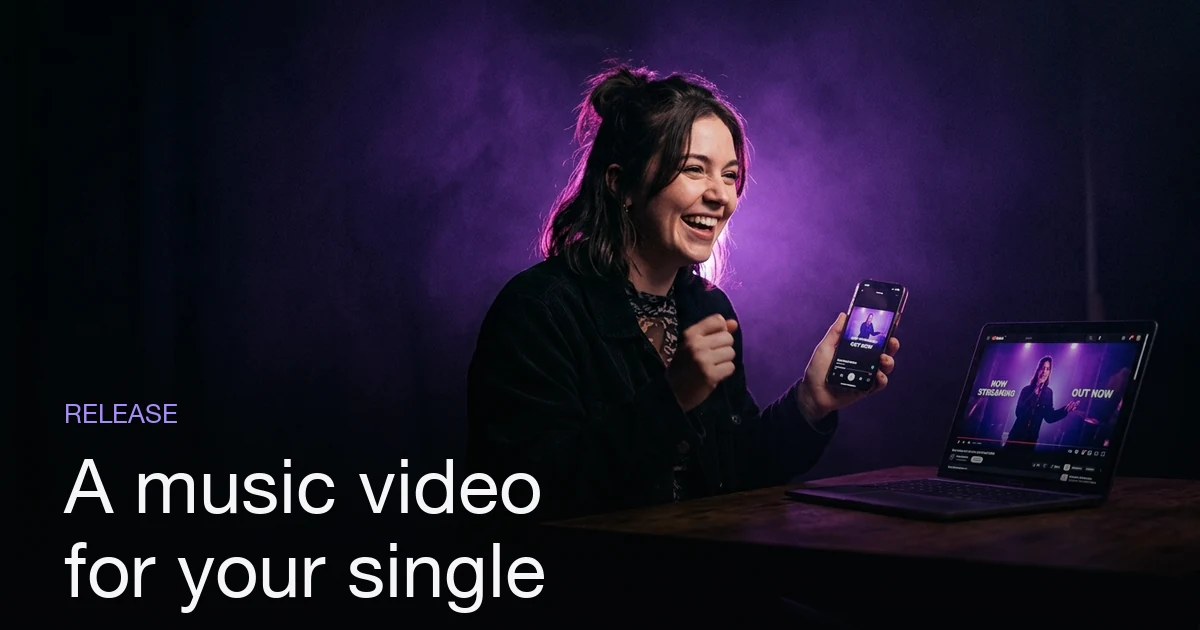
To make a music video for your single release, start about two weeks out. Upload your track so the tool analyzes its tempo, sections, and lyrics once — that analysis is stored, so every later reuse loads instantly. Pick a director style to set the visual lens (cinematic, hip-hop, indie, and more) and describe your vision in plain language. The AI plans a storyboard against the real song structure; you review the shots, save any recurring artist or character as a reusable asset, then generate — each shot becomes a keyframe, then a clip, then everything is stitched and synced to your audio. Download the finished video and use it as your release-day centrepiece: a full video for YouTube and a few short vertical cuts for teasers before the drop.
Plans from $19/month, cancel anytime. Starter makes one 30-second video a month.
What's the fastest way to make a music video for a single release?
The short answer: To make a music video for your single release, start about two weeks out. Upload your track so the tool analyzes its tempo, sections, and lyrics once — that analysis is stored, so every later reuse loads instantly. Pick a director style to set the visual lens (cinematic, hip-hop, indie, and more) and describe your vision in plain language. The AI plans a storyboard against the real song structure; you review the shots, save any recurring artist or character as a reusable asset, then generate — each shot becomes a keyframe, then a clip, then everything is stitched and synced to your audio. Download the finished video and use it as your release-day centrepiece: a full video for YouTube and a few short vertical cuts for teasers before the drop.
A single deserves a video — it's the asset that gives your release a face on YouTube, a hook for social, and something to pin when the track goes live. The problem has always been that a real shoot costs more time and money than a single can justify. AI closes that gap: you bring the song and the vision, and an AI music video generator handles the shot planning, the imagery, the motion, and the final cut. This guide walks the release-focused workflow — why the video matters, when to start, the actual steps, and how to turn one video into a full week of promo.
Why does a single release need a video?
A single is a moment, and a moment needs something to look at. Audio alone lives on streaming platforms where discovery is passive; a video gives your release a home on YouTube, a thumbnail in search, and — most importantly — clippable material for the feeds where new listeners actually find you.
The math has changed. A traditional video means a location, a crew, and a budget that only makes sense for a marquee release. For a normal single, that's overkill, so most independent artists ship with no video at all and lose the visual half of the launch. An AI video removes the cost barrier, so every single can have one — which means every release gets a proper campaign instead of a quiet upload.
There's also a compounding benefit: a consistent visual identity across releases. When the same artist persona and director style carry from single to single, your channel starts to look like a body of work rather than a scatter of one-offs. That consistency is what turns a casual viewer into a follower who recognises your next drop.
What's the timeline before release day?
The generation itself is fast — a single session — but a good launch needs lead time for the promotion, not the production. Here's a sane two-week runway:
| When | What you do |
|---|---|
| ~2 weeks out | Generate the full music video from your finished track |
| ~10 days out | Cut 2–3 short vertical teasers from the video |
| ~1 week out | Post the first teaser; announce the release date |
| ~3 days out | Schedule the YouTube premiere; post a second teaser |
| Release day | Publish the full video; pin it; drop the streaming link |
| Days after | Post remaining clips; reply and re-share as momentum builds |
The point of starting early isn't that the video takes long to make — it's that anticipation is built before the drop, not on it. Making the video two weeks ahead gives you a stockpile of teaser content and the calm to schedule a premiere instead of racing the clock on release morning.
What are the steps to make the video?
The workflow is a conversation, not a production. Here's the full loop:
- Upload your single (or start with a demo song). The track is analyzed once — tempo, sections, lyrics — and that analysis is stored, so the storyboard lines up to the real song structure and every later reuse loads instantly.
- Pick a director style before your first message. This sets the visual lens for the whole video — cinematic, hip-hop, indie, performance, surreal, or documentary — so the same song produces a visibly different result depending on the style you choose.
- Describe your vision in plain language, the way you'd brief a director: the mood, the story, the setting. You don't write shot lists; you describe the feeling, and the AI translates it into concrete shots.
- Save your artist as a reusable character. If you appear across scenes, save a reusable AI character — a reference image plus a short brief — once, then
@mentionit in each shot so the same face is conditioned into every keyframe instead of a new person appearing each time. To have that face sing a few chorus lines, here is how a photo sings your song. - Review the storyboard. The AI plans the video shot by shot against the song structure before anything renders. This is the cheap stage (the storyboard is where it starts) — fix shots, swap settings, adjust the mood here, before you spend on generation.
- Generate. Each shot becomes a keyframe image, then an animated clip; the clips are stitched in order and your original audio is muxed on, producing one finished video synced to your single.
- Download it and reuse the same song and character on your next release with zero setup repeated.
If you want the deep version of this pipeline — every stage, the common mistakes, and how character consistency actually works — read How to Make an AI Music Video. And if all you need is your track over visuals as a quick first pass, the MP3-to-video tool turns an audio file into a shareable video fast.
What content should you make per release?
One generated video is your source material for a whole promo cycle. Cut it down rather than making each piece from scratch:
| Asset | Format | Where it goes |
|---|---|---|
| Full music video | 16:9, full length | YouTube (premiere), pinned post |
| Teaser clips (×2–3) | 9:16, 15–30s | Reels, TikTok, Shorts |
| Looping snippet | 9:16, 6–10s | Stories, pinned social posts |
| Thumbnail / cover still | Static frame | YouTube thumbnail, playlist pitch |
The teasers do the heavy lifting before release day — a strong 15-second hook pulled from your best shot will out-perform a static announcement graphic every time. And because everything is cut from one coherent video, your whole campaign shares a look instead of feeling stitched together from mismatched pieces.
How do you promote the video around the drop?
Treat the video as the campaign's spine and everything else hangs off it (a promotion plan that starts before release day covers the rest). In the week before release, seed the teaser clips across your feeds and point them at a "pre-save" or "release date" call to action. Set the full video as a scheduled YouTube premiere so fans can hit a reminder and show up together at drop time — a premiere manufactures a moment that a plain upload never will.
On release day, publish the full video, pin it to the top of your profiles, and post the streaming link alongside it. In the days after, keep the remaining clips rolling out so the release has a tail instead of a single spike. Reply to comments, re-share fan posts, and let the video do what audio can't — give people a face and a scene to remember your single by.
Because your artist character and analyzed song are saved, the next single starts from a warm library, not a blank page. The first release is where you build the persona and the workflow; every release after that is faster, more consistent, and easier to promote — which is exactly how a catalogue of singles starts to feel like an artist with a story. If the release is a whole record rather than one track, making videos for an entire EP or album covers how to keep a set of them feeling like one body of work.
Pick a plan and make the video for your next single in Melodious — pick a director style, describe your vision, and turn your track into a release-ready music video without a camera or an editor.
Frequently asked questions
How far ahead should I make a music video for a single release?
Start about two weeks before release day. AI generation itself runs in a single session, but you want lead time to post teaser clips, submit the video for a YouTube premiere, and line up social posts. Making the video early — not on drop day — is what lets you build anticipation instead of scrambling.
Can I make a music video from just my song, with no footage?
Yes. You upload your track, pick a director style, and describe your vision in plain language. The AI plans the shots, generates the imagery, animates the clips, and syncs everything to your audio. You don't need a camera, a location, or any existing footage — the song is the only input required.
What video content do I actually need for a single release?
At minimum, one full music video for YouTube, plus two or three short vertical cuts (15–30 seconds) for Reels, TikTok, and Shorts to tease the drop. A looping snippet works well for stories and pinned social posts. You can pull all of these from the one video you generate.
How do I keep the same artist looking consistent across every scene?
Save the artist or character once as a reusable asset — a reference image plus a short brief — then reference it with an @mention in every scene. The saved image conditions each keyframe, so the same face holds across shots instead of a different person appearing every time.
Can I make a video for every single I release?
Yes, and it gets faster each time. Your song is analyzed once and stored, and your artist character lives in your asset library, so the next single reuses both with zero setup. The first video is the slow one; every release after that is quick because the character and workflow carry over.
Can I try it for free before my release?
No. Melodious has no free tier or trial: you pick a plan first, from $19 a month, and you see the price before you pay. Every account includes three demo songs, so you can run the flow — director style, storyboard, characters — before you commit your real single. Generating from a demo song uses credits like any track.
Make your next music video in Melodious
Attach your song and an AI director builds the storyboard scene by scene — with characters that stay consistent the whole way through. Plans from $19/month, cancel anytime. Starter makes one 30-second video a month.
Make your music video